
Project Time Tracking
Accurately capture and allocate employee work hours to specific clients, projects, or tasks. Essential functionality for organizations that need to track billable hours, manage project costs, monitor productivity, and ensure accountability (law firms, consulting businesses, IT and software development companies, accounting firms, marketing agencies, and also field technicians, production facilities...).
Trusted by




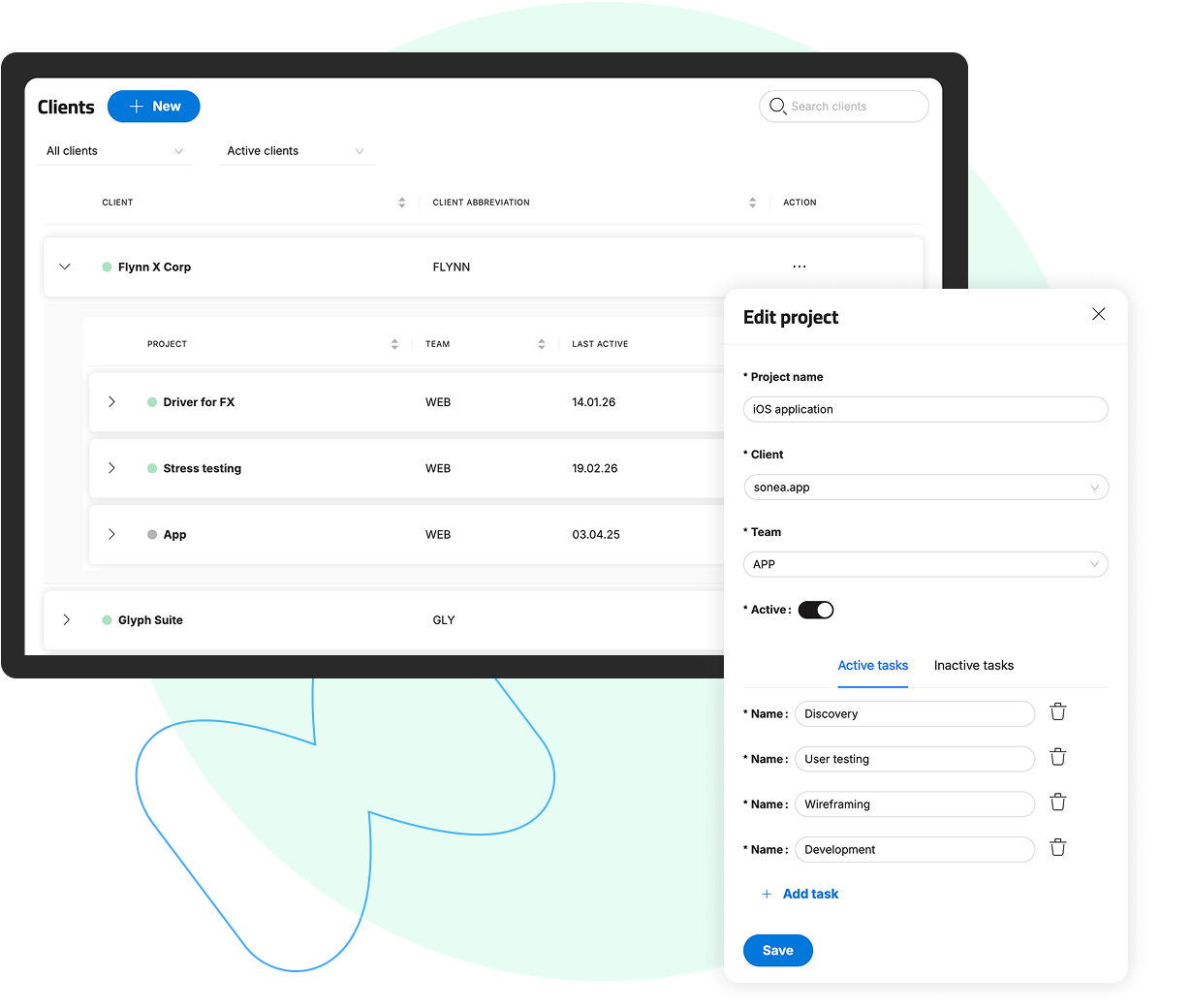
Client and Project Setup
 Client and Project SetupProject and Task Breakdown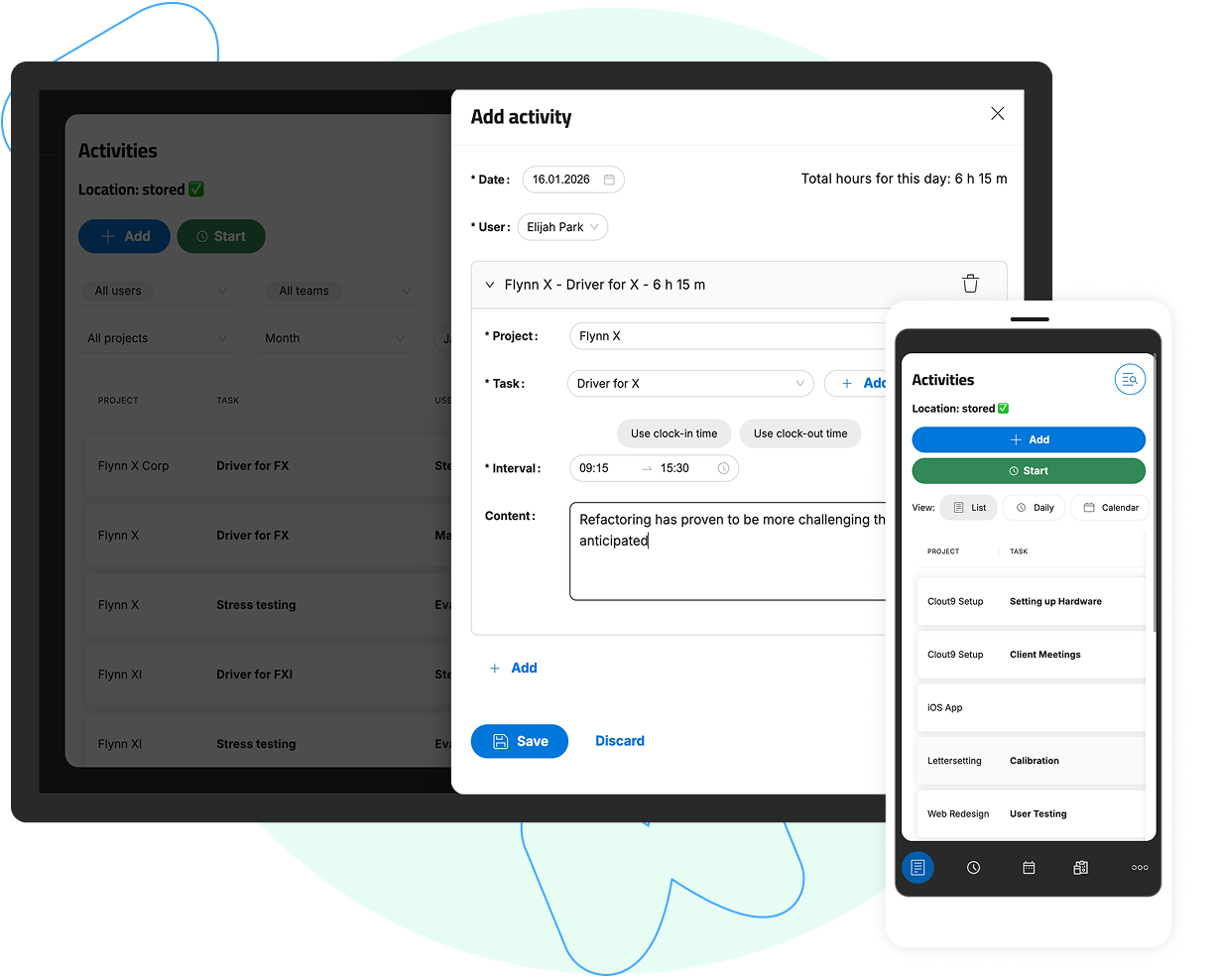
Hour Logging
Direct InputSpecific Time PeriodsAdding Comments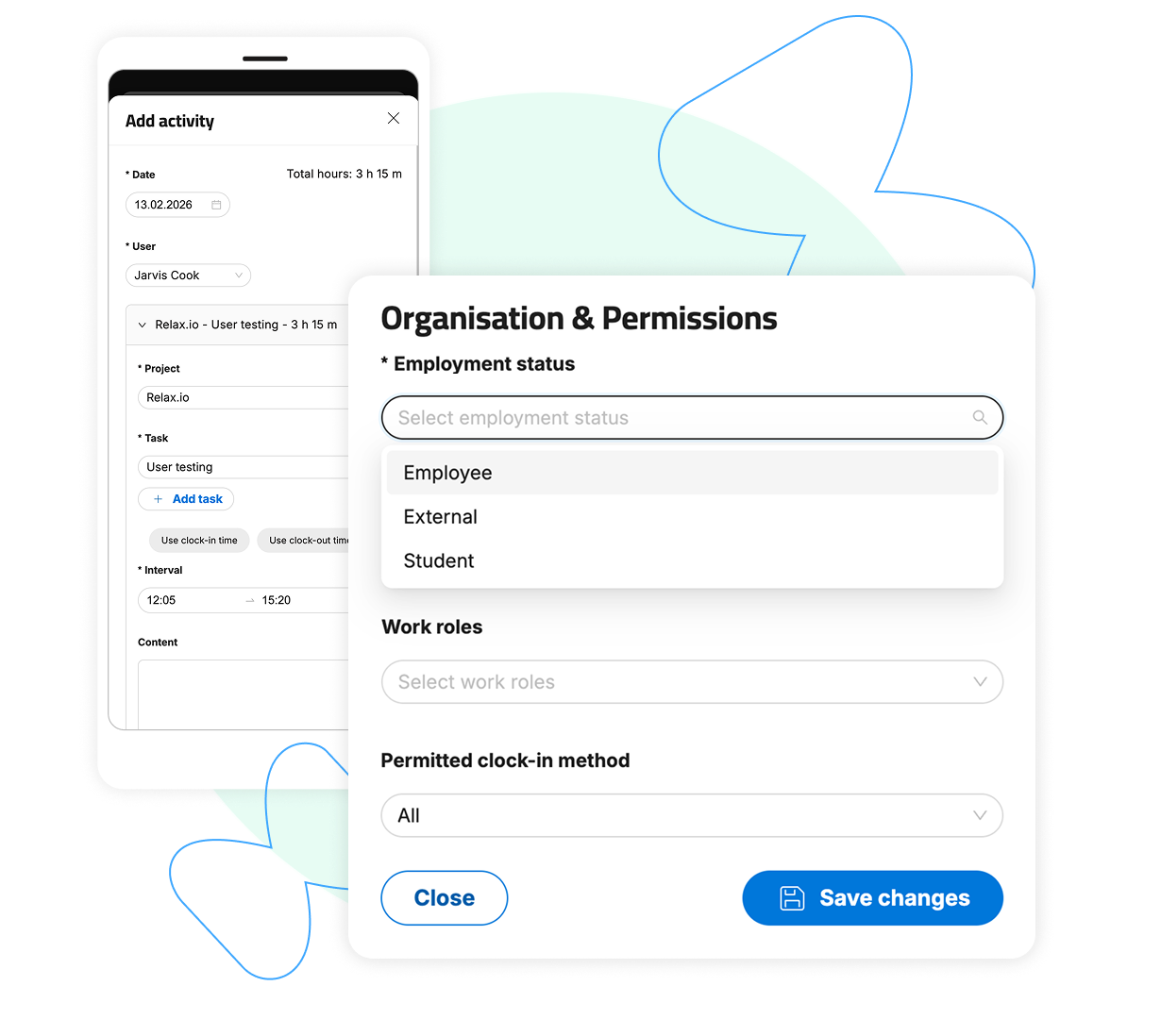
Logging Hours for External Employees and Partners
Consolidated Workforce ManagementOperational Efficiency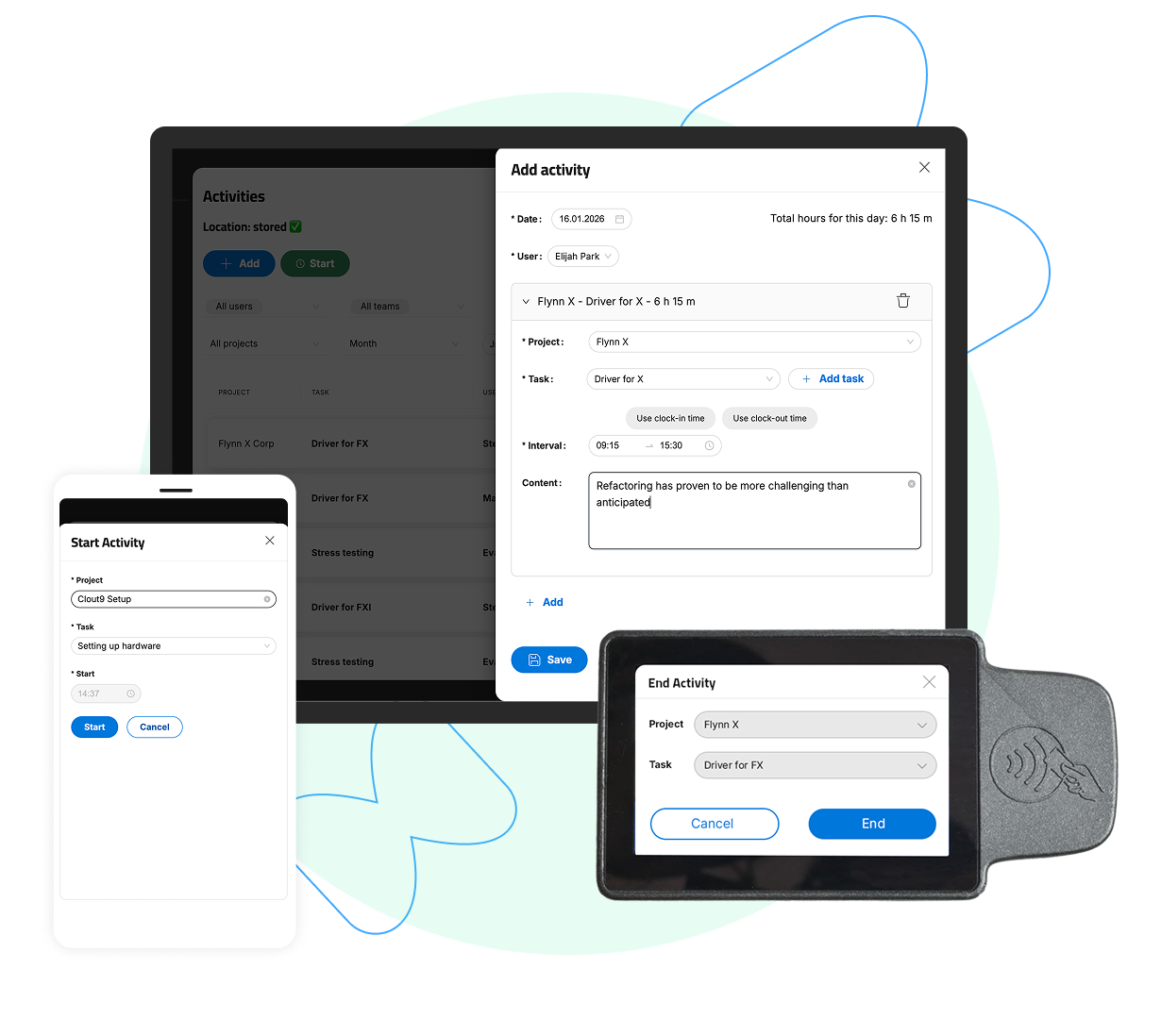
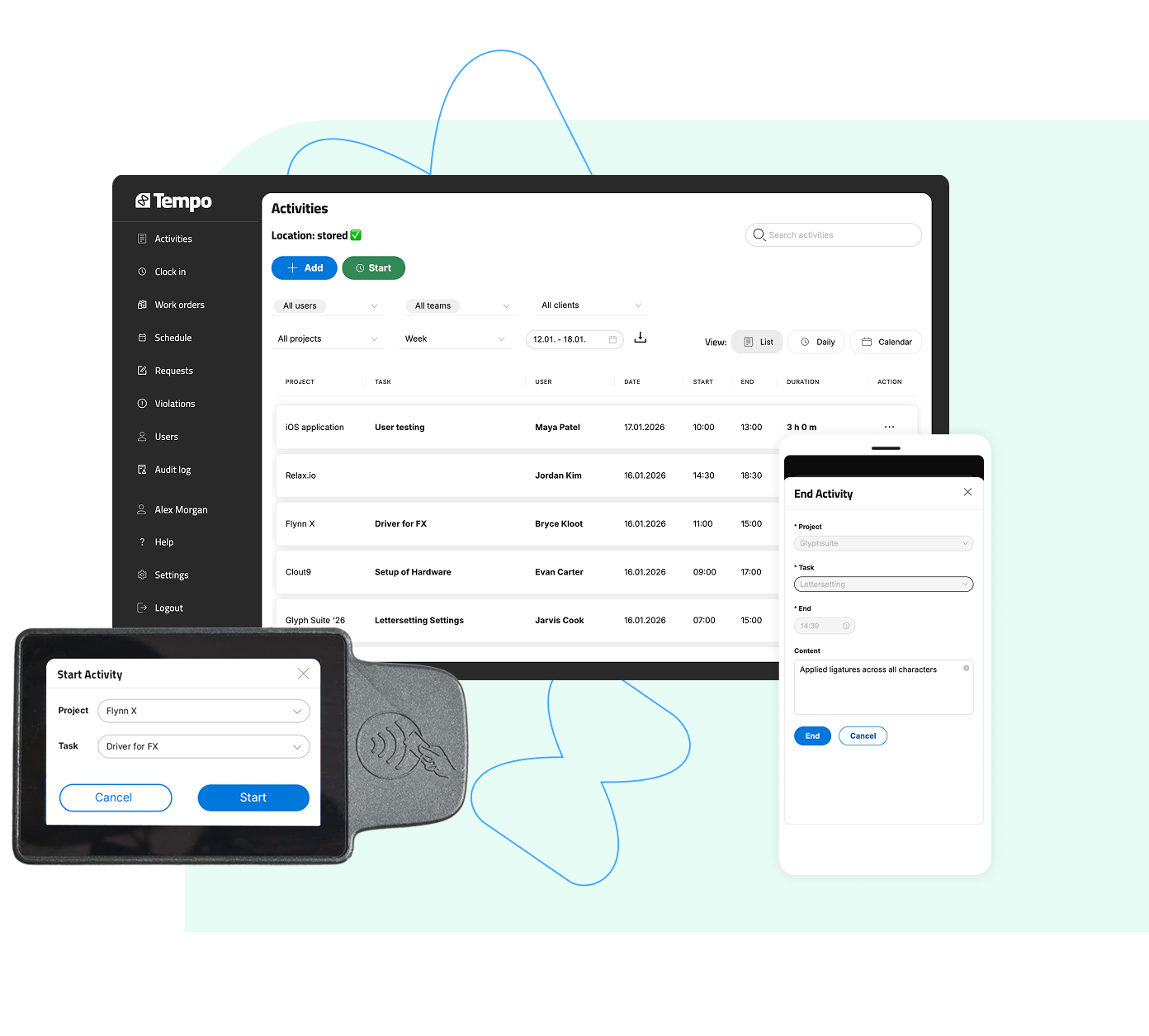
Support for mobile devices and time terminals
Mobile loggingLogging on time terminals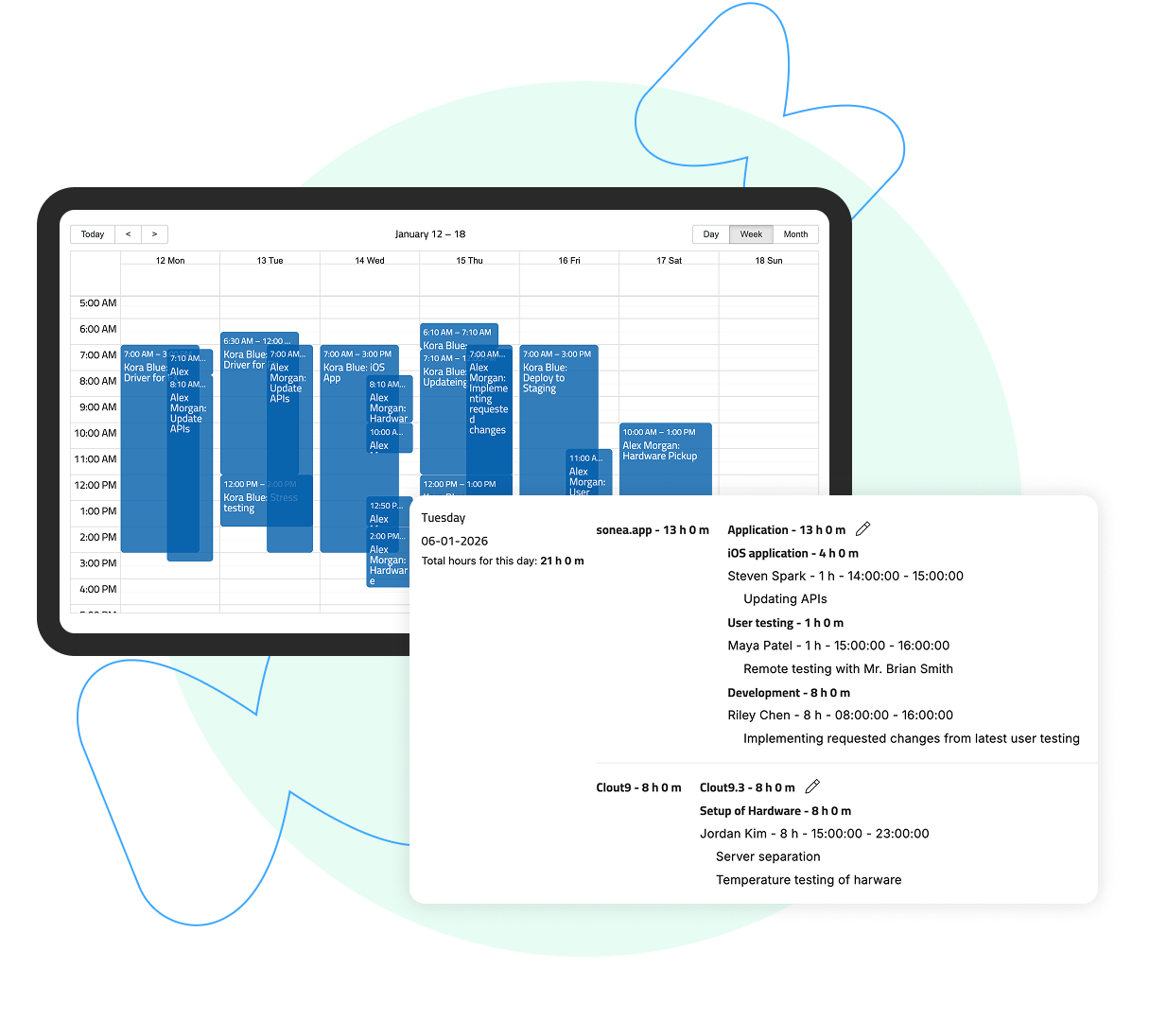
Real-Time Monitoring
Dashboard ViewStatus Alerts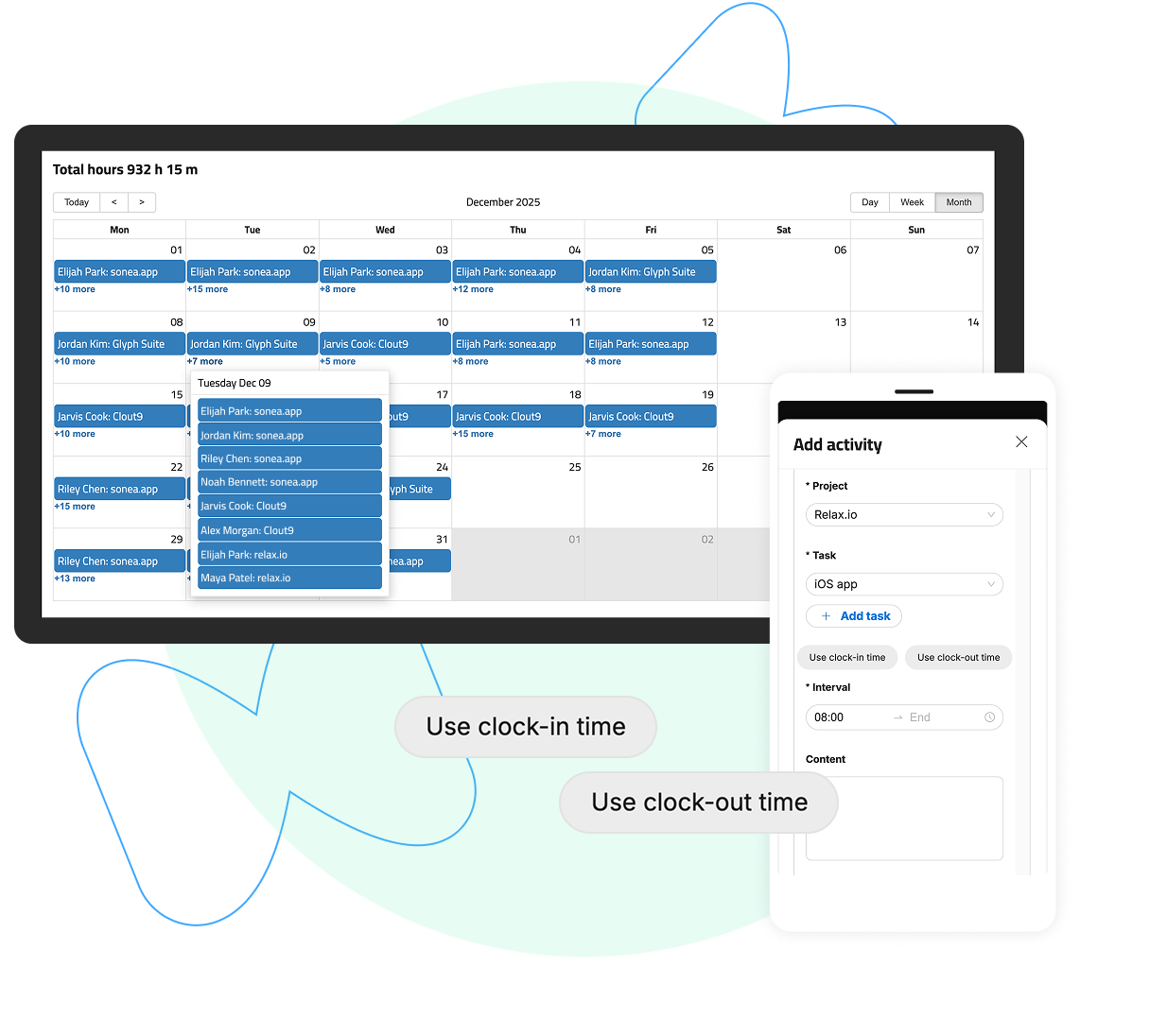
Integration with Time and Attendance System
Unified Data ManagementDirect Mapping of Hours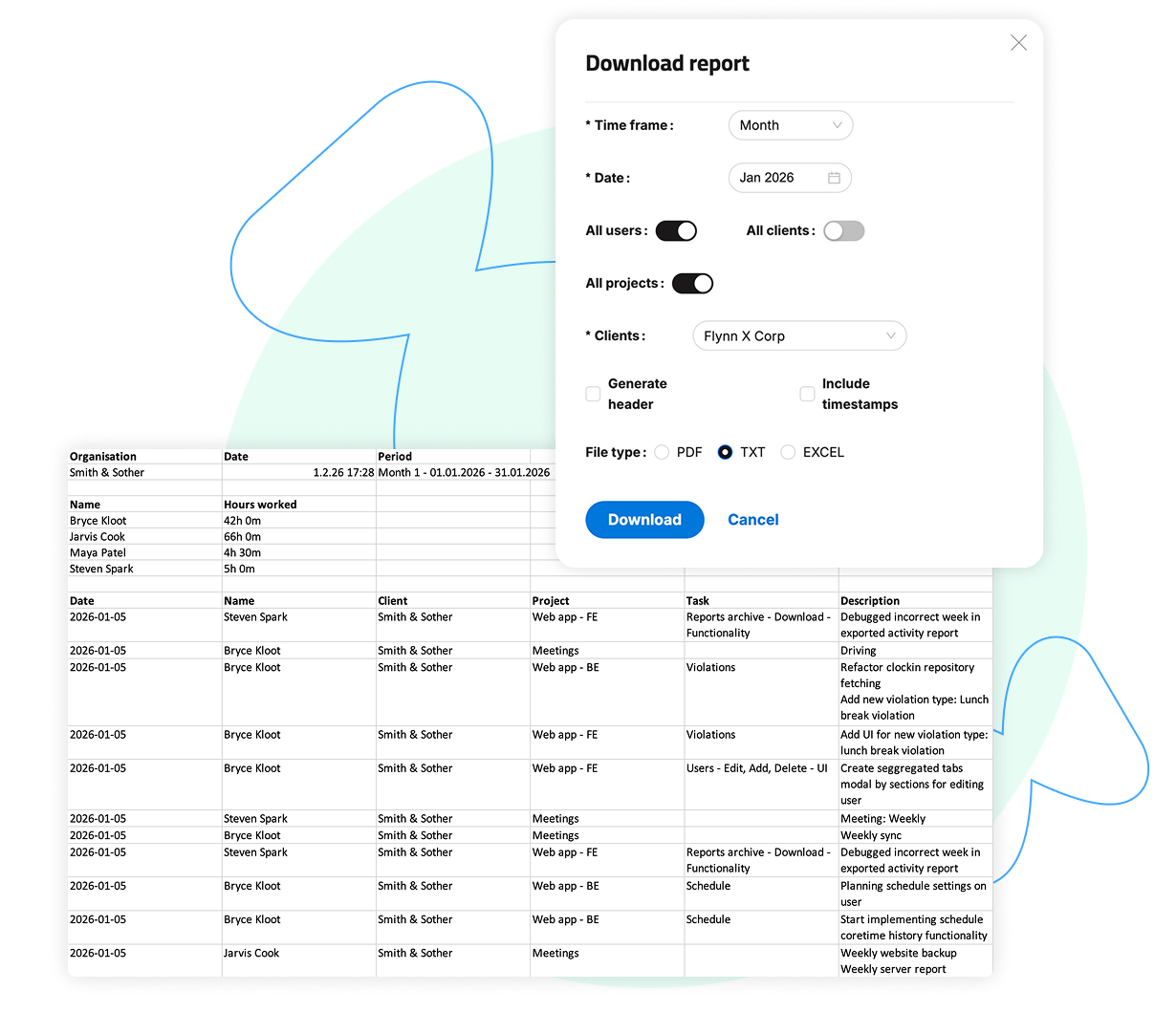
Reporting and Analytics
Custom ReportsHistorical Data AnalysisFrequently Asked Questions
How do employees request time off?

Can I create custom leave types for my organization?
How does absence data affect payroll calculations?
What users say about Tempo


Thank you for all your care, the Tempo application is TOP!
LANEKS d.o.o. - Boris Bogar
We are very satisfied with the application. It is easy to use and allows us to accurately track work hours, breaks, and location.
SIVAC d.o.o. - Alja Ašenberger
It suits us perfectly. Everything is great. Nothing to add.
SMAGENTA d.o.o. - Sandi Lupšina
We have implemented the TEMPO time-tracking application. I must say that they are very prompt; every request or issue we had was resolved the same day or the next. They took into account what was important to us individually. We are satisfied with the application, and the level of customer service is also very high, which I believe is what matters most these days. I am more satisfied with our internal relationships and the organization we achieved by choosing this application than with the legal compliance aspect.
Harvey d.o.o. - Tomaž Mlinar
With the Tempo time-tracking application, our company has gained speed in reporting, reliable tracking of leave and sick days, and an easy overview and control over work clock-ins and clock-outs. The investment in the TEMPO timeclock immediately proved to be a good decision, especially when we were audited by labor inspectors shortly after implementing electronic records; they even praised us for it. I also want to commend the entire front-end and back-end team for their efforts in implementing new features, as well as their quick responsiveness and friendliness!
Goldin d.o.o. - Sebastijan Sintič
