
Trusted by





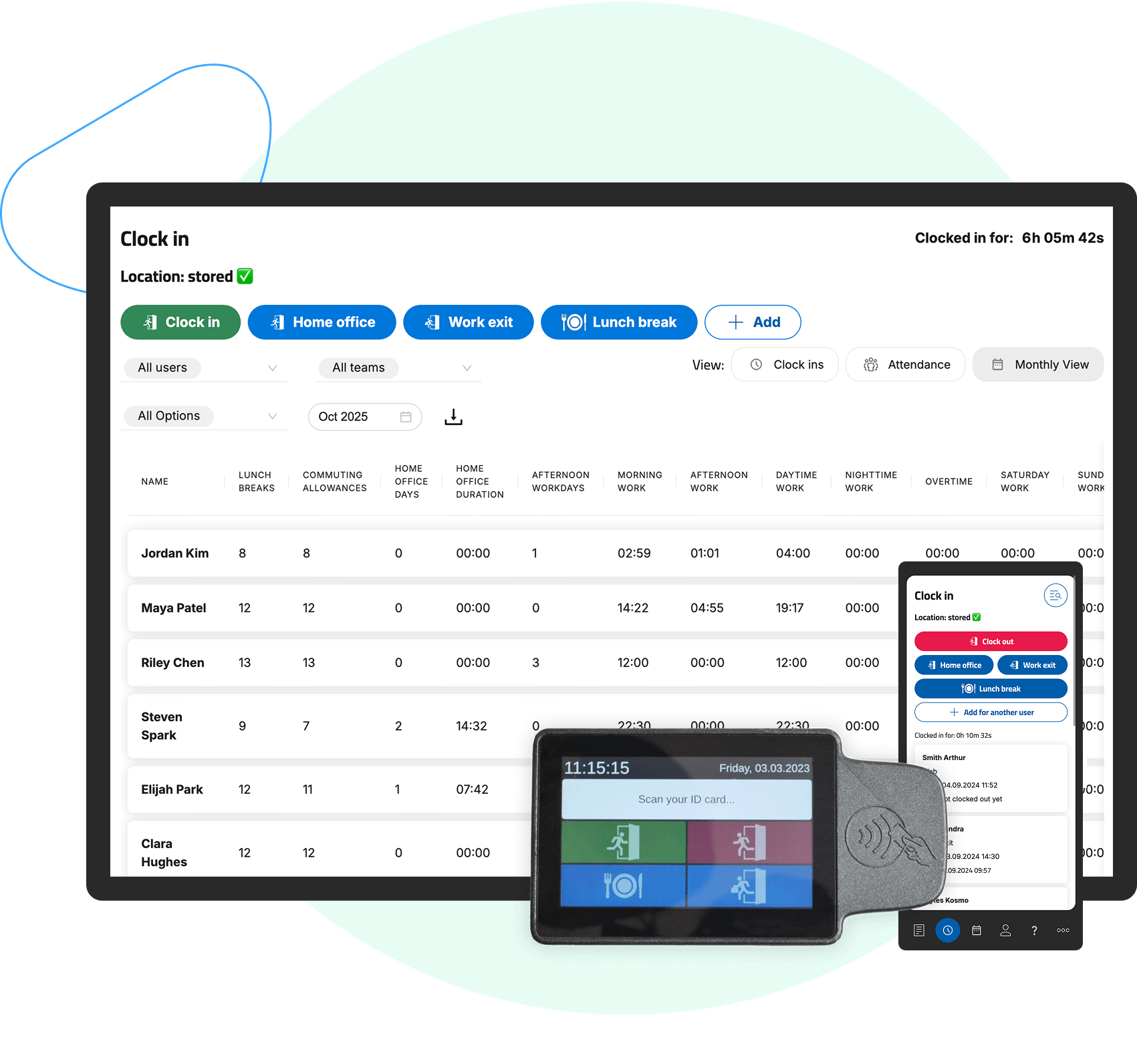
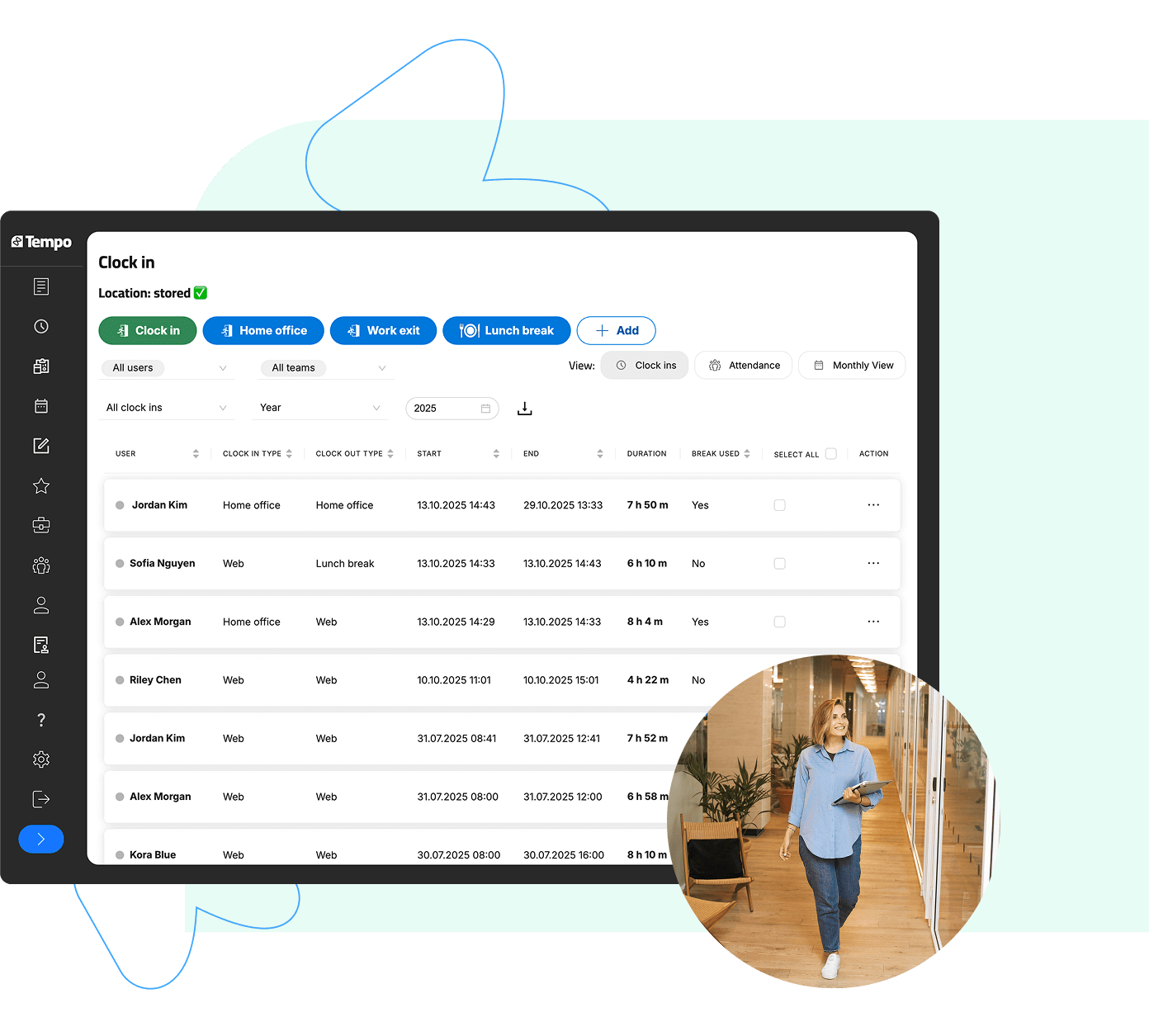
Clock-In and Clock-Out
 Desktop PCMobile DeviceTerminal
Location Recording with Mobile Devices
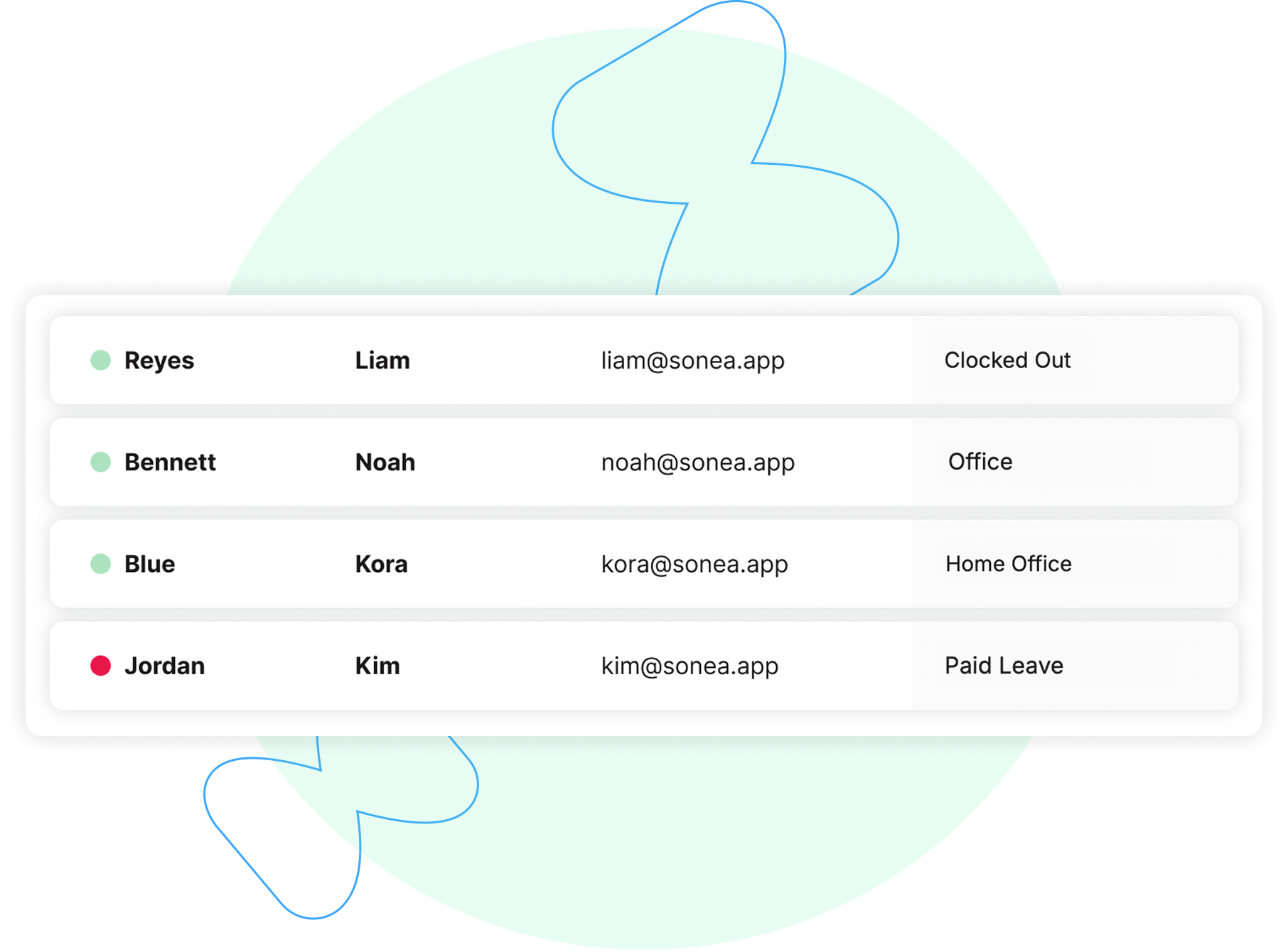
Real-Time Overview of Employee Attendance
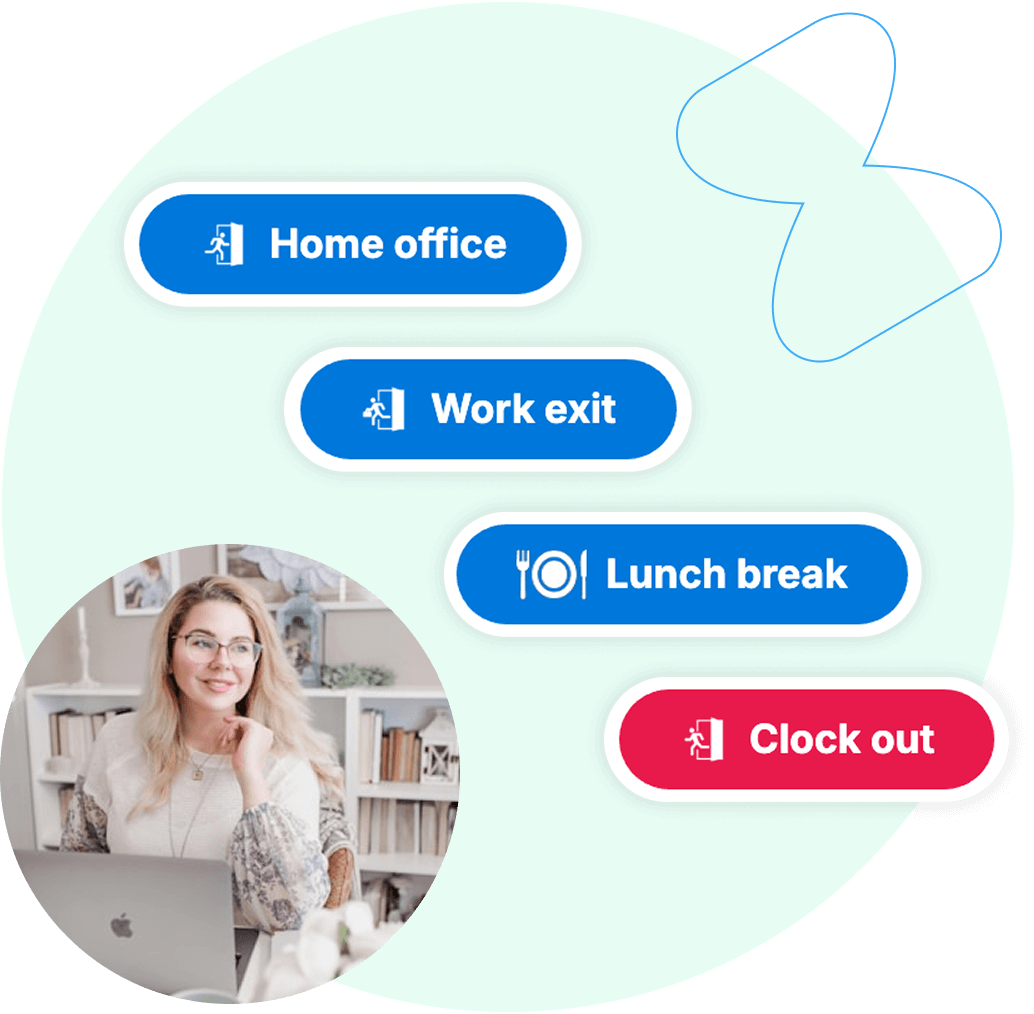
Support for Home Office Work
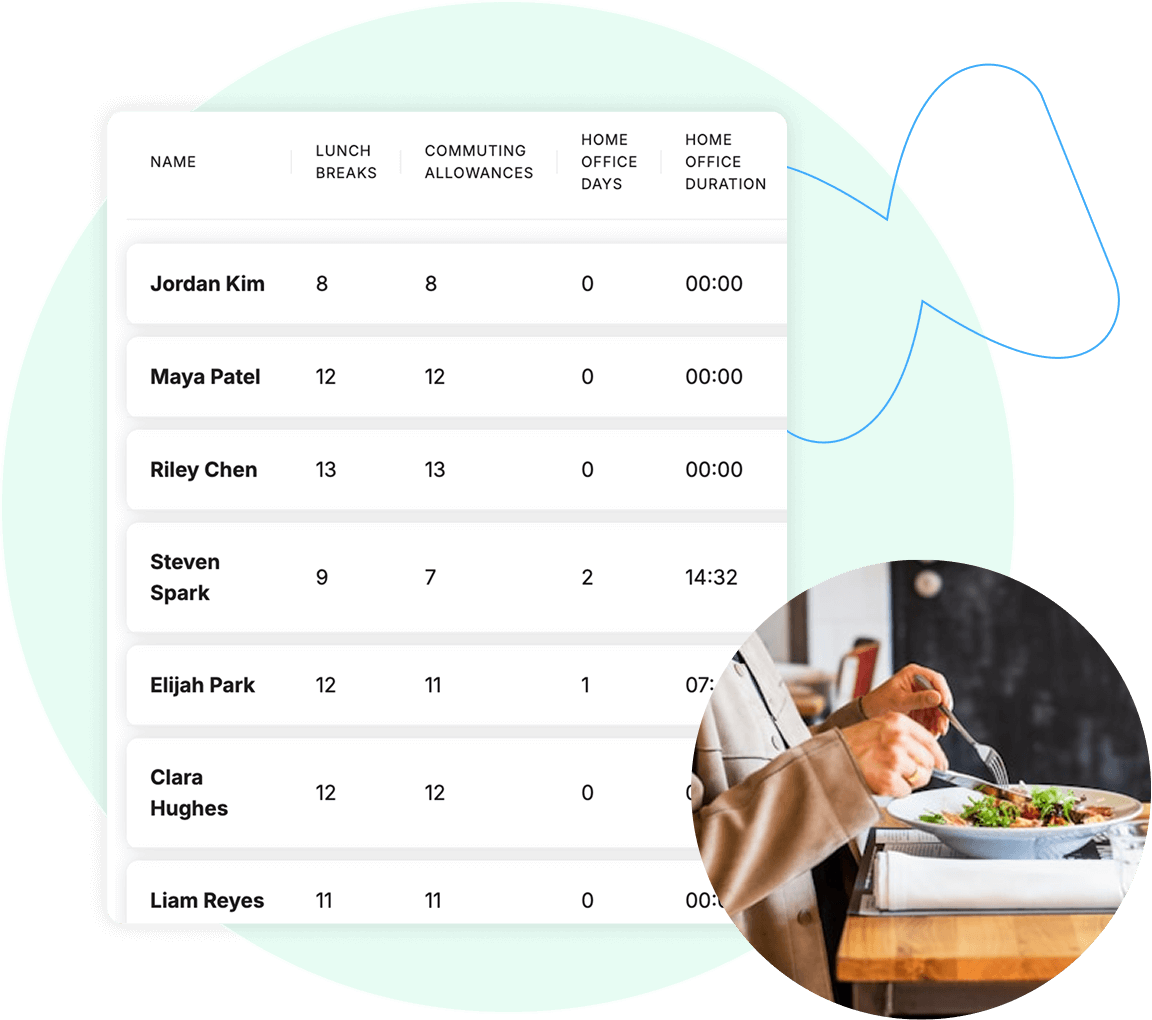
Recording Lunch Breaks
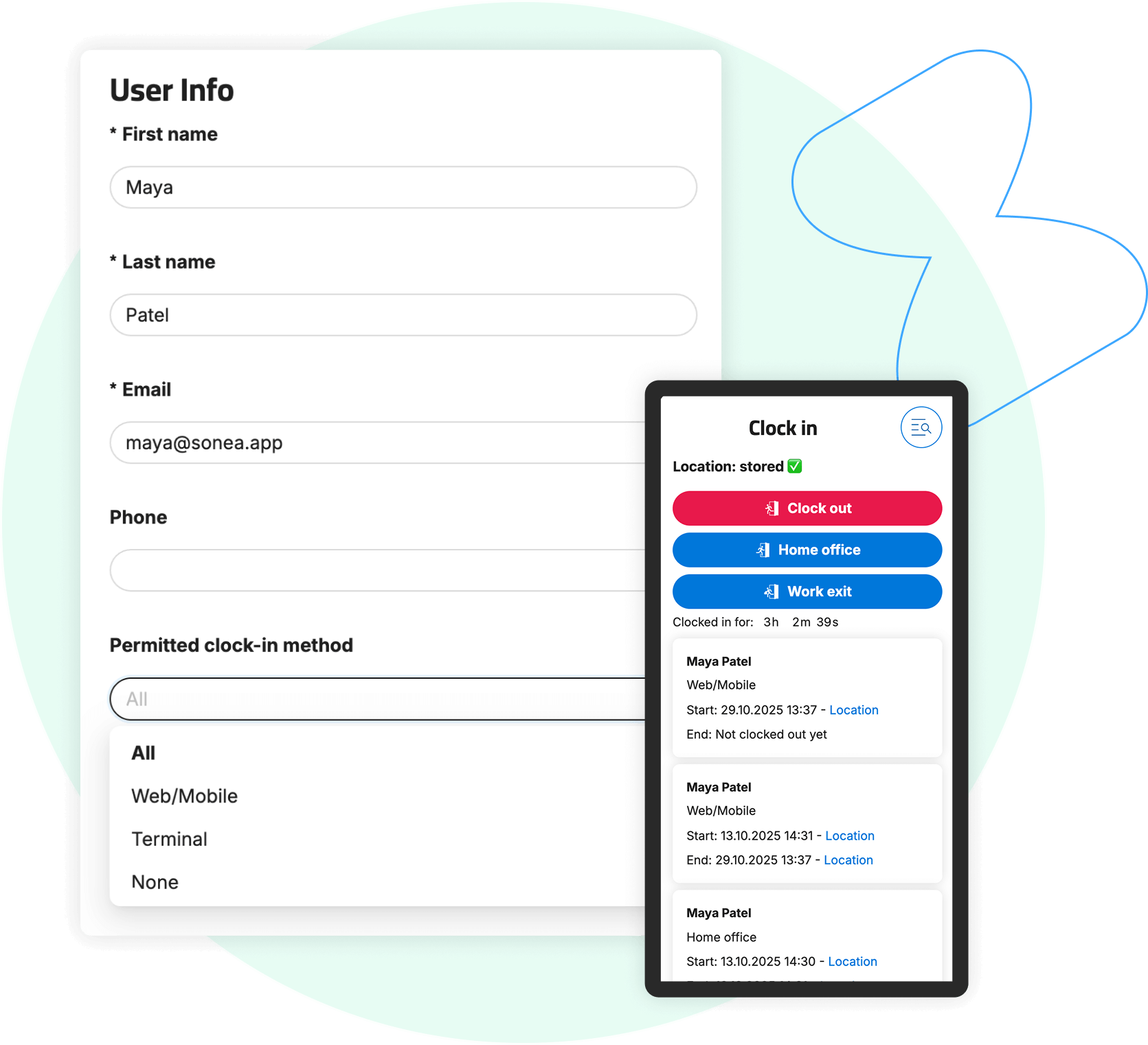
Customizable Clock-In and Clock-Out Types
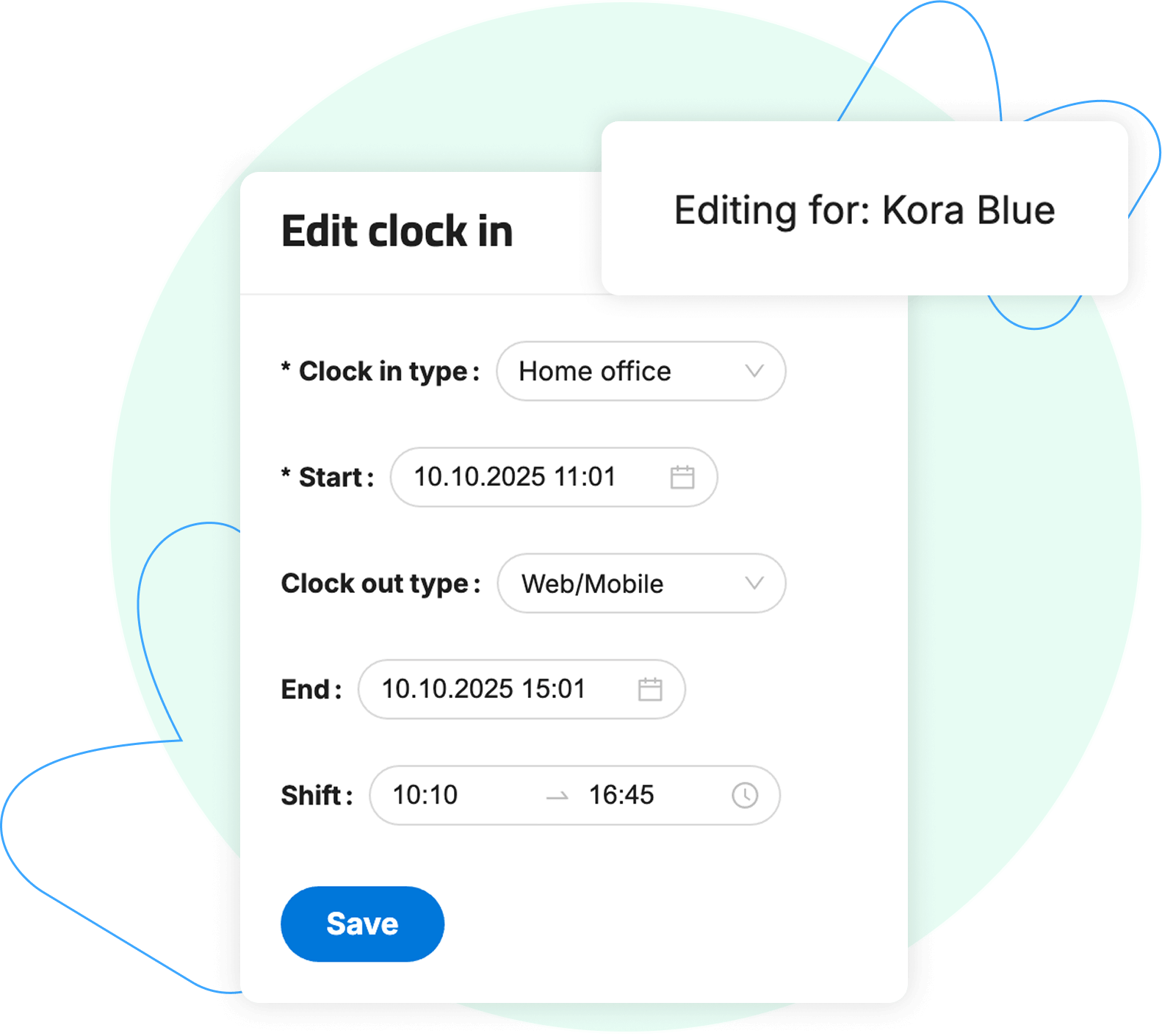
Administrator Privileges
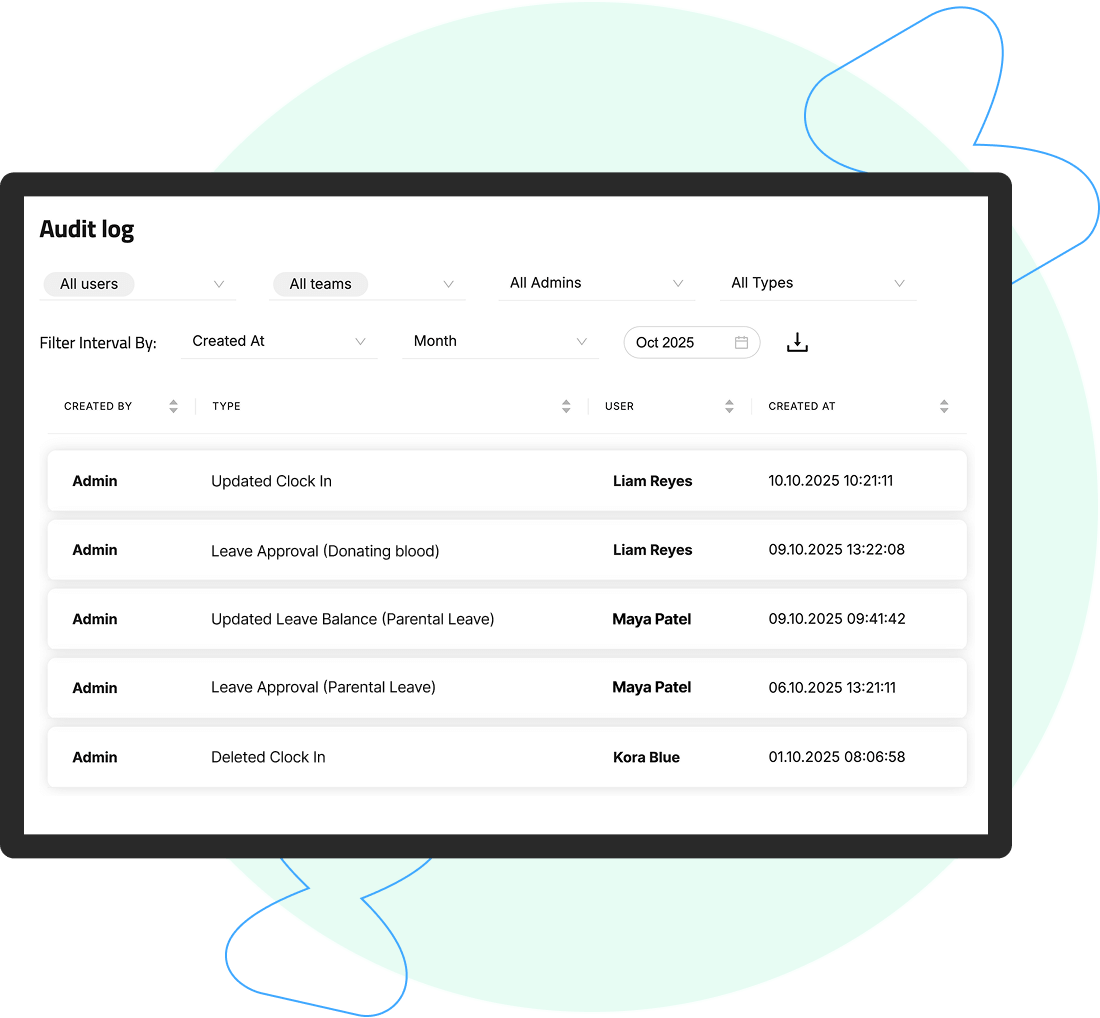
Audit Trail for Modifications
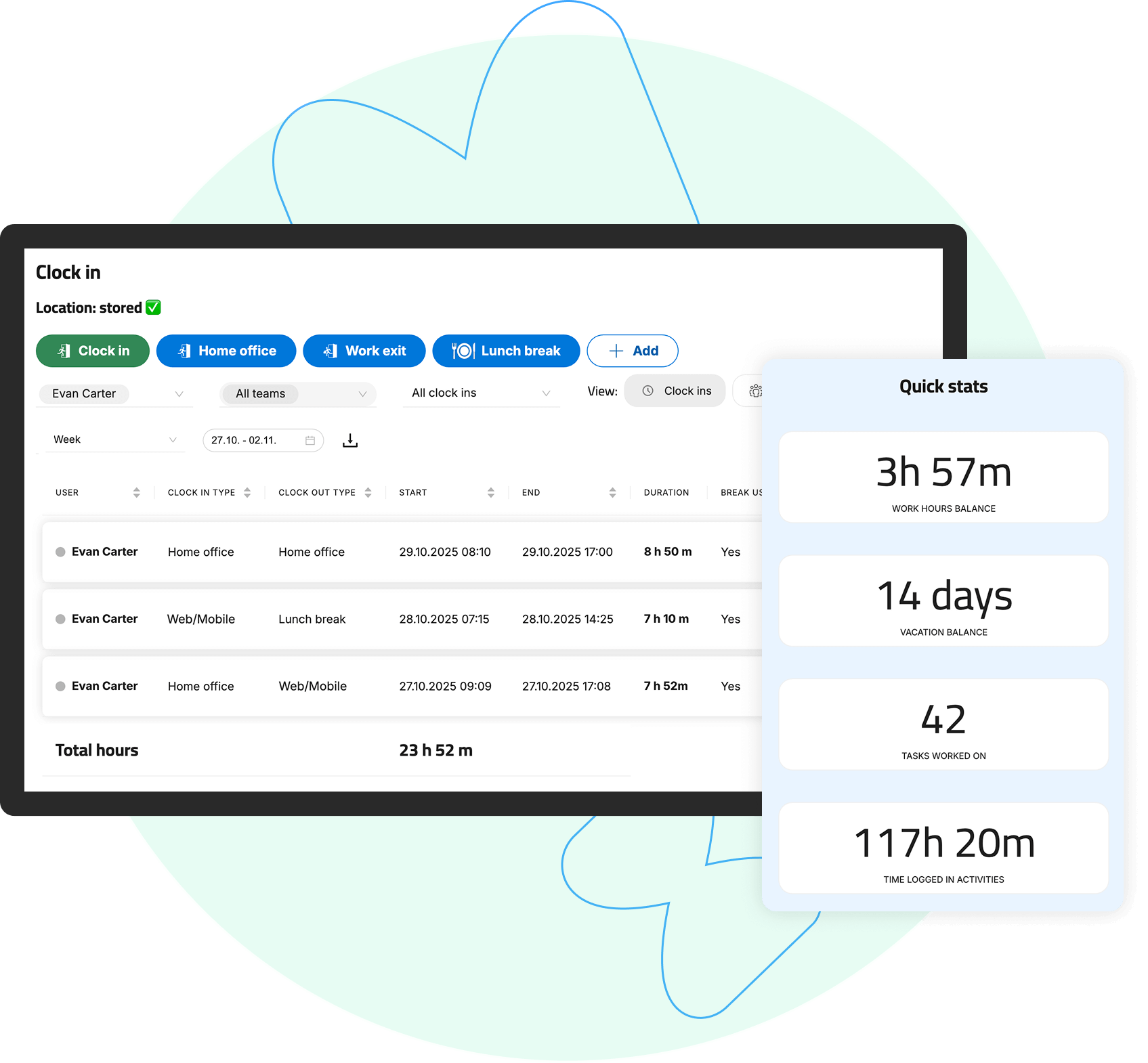
Employee Access to Personal Data
Clock-In HistoryCurrent Hourly SurplusFrequently Asked Questions
How can I export time and attendance records?

What happens if I forget to clock in or out?
Can I see who is currently at work?
What users say about Tempo


Thank you for all your care, the Tempo application is TOP!
LANEKS d.o.o. - Boris Bogar
We are very satisfied with the application. It is easy to use and allows us to accurately track work hours, breaks, and location.
SIVAC d.o.o. - Alja Ašenberger
It suits us perfectly. Everything is great. Nothing to add.
SMAGENTA d.o.o. - Sandi Lupšina
We have implemented the TEMPO time-tracking application. I must say that they are very prompt; every request or issue we had was resolved the same day or the next. They took into account what was important to us individually. We are satisfied with the application, and the level of customer service is also very high, which I believe is what matters most these days. I am more satisfied with our internal relationships and the organization we achieved by choosing this application than with the legal compliance aspect.
Harvey d.o.o. - Tomaž Mlinar
With the Tempo time-tracking application, our company has gained speed in reporting, reliable tracking of leave and sick days, and an easy overview and control over work clock-ins and clock-outs. The investment in the TEMPO timeclock immediately proved to be a good decision, especially when we were audited by labor inspectors shortly after implementing electronic records; they even praised us for it. I also want to commend the entire front-end and back-end team for their efforts in implementing new features, as well as their quick responsiveness and friendliness!
Goldin d.o.o. - Sebastijan Sintič
